


20 Jun How to Schedule Bulk Printer Disposal for Offices in Singapore
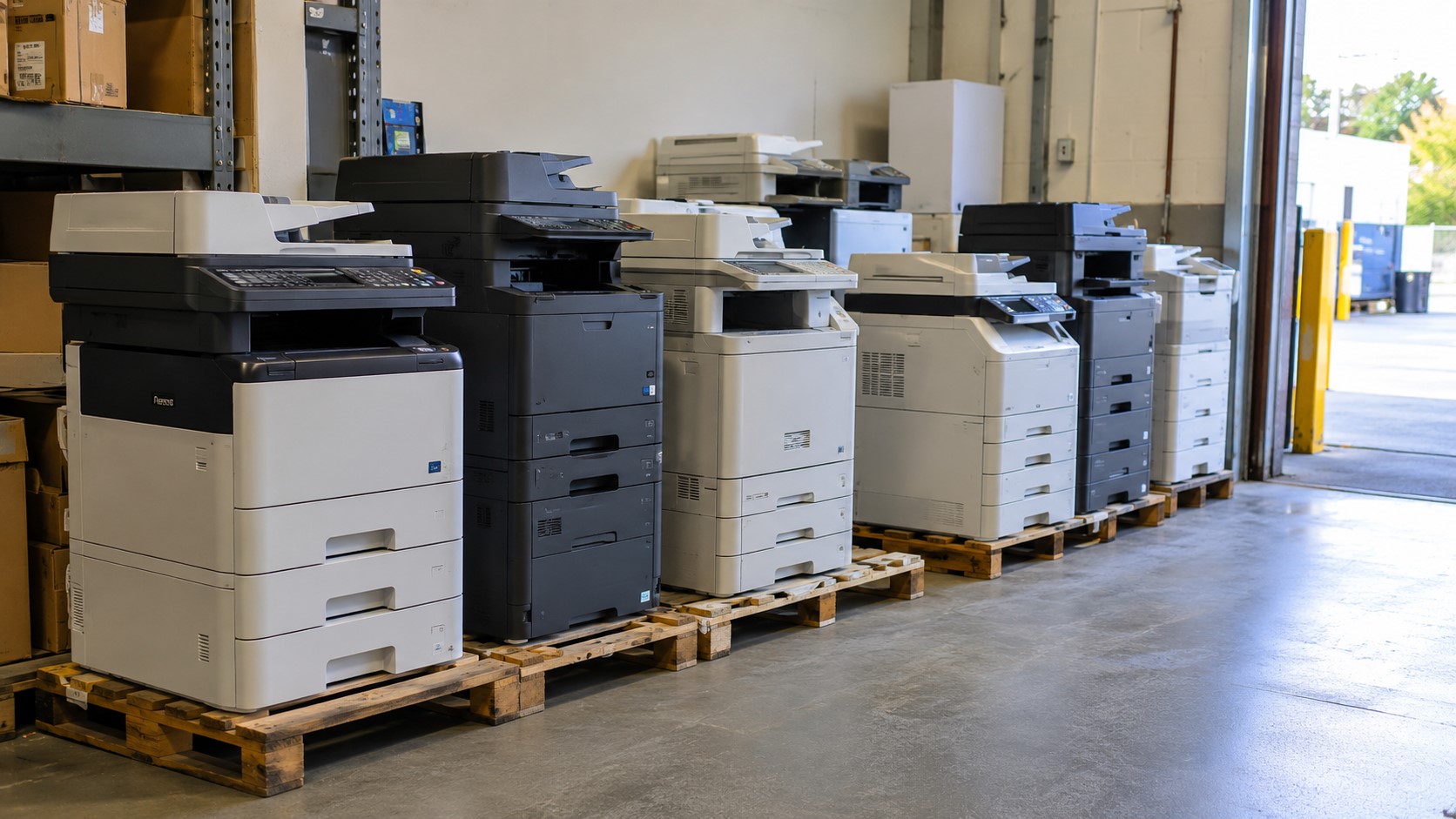
Your storeroom is full of printers nobody uses anymore. Three of them stopped working months ago. Two more got replaced when you upgraded to a new leasing contract. They’re taking up space, they’re collecting dust, and worse — they’re still holding scanned documents, stored fax logs, and network credentials on their internal memory.
Most offices don’t think about printer disposal until it becomes a problem. Then it becomes a big one: no space for new equipment, a facilities team unsure who’s even allowed to touch the machines, and a nagging worry about what happens to the data inside if a printer just gets thrown out with the rubbish.
The good news is that bulk printer disposal in Singapore doesn’t need to be complicated. With the right process and a licensed disposal partner — you can clear out old printers safely, stay compliant with NEA’s waste regulations, and free up office space in a single scheduled pickup. Here’s exactly how to do it.
Ready to Sell? 👉 List Your Items Here
Why Proper Printer Disposal Matters for Singapore Businesses
Printers aren’t just bulky office furniture. They’re electronic devices, which means they fall under Singapore’s e-waste rules and they often carry more sensitive data than people realise.
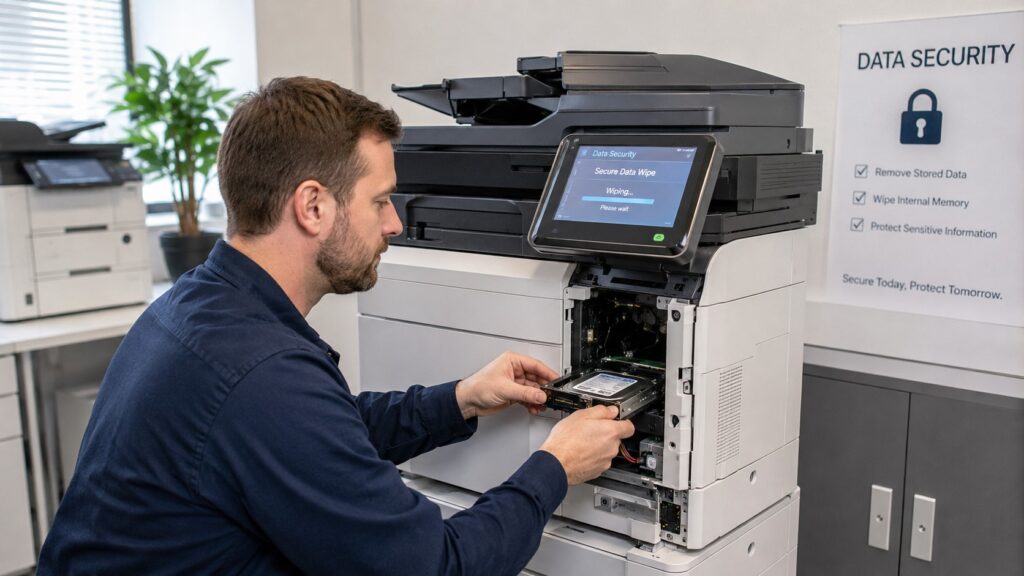
Data Security Risks of Improper Disposal
Modern office printers and multifunction copiers store data on internal hard drives or flash memory. This can include:
- Scanned contracts, invoices, and HR documents
- Stored fax transmissions
- Network login credentials and Wi-Fi passwords
- Print job history, sometimes going back years
If a printer is thrown out, sold, or handed to a scrap collector without proper data wiping, that information can potentially be recovered. For offices handling client data, financial records, or HR files, this is a real compliance and reputational risk — not just an IT inconvenience.
E-Waste Regulations Offices Need to Know (NEA Guidelines)
Singapore manages e-waste under the Resource Sustainability Act, which gives the National Environment Agency (NEA) authority over how electronic waste is collected and processed. The Act covers Singapore’s three priority waste streams — e-waste, food waste, and packaging waste — because these streams generate large volumes of waste but have historically low recycling rates.
For businesses, the practical takeaway is simpler than the legislation sounds: if your office is simply disposing of unwanted equipment as an end user — for example, upgrading printers or clearing old machines — you don’t carry direct producer obligations under the e-waste scheme. However, using a licensed collector keeps your disposal compliant with NEA regulations and gives you a documentation trail useful for ISO 14001 and ESG reporting.
In short: you’re not legally required to be an e-waste expert. You just need to use a proper collector and keep the paperwork.
Signs Your Office Needs a Bulk Printer Disposal
You probably don’t need to think about this until you hit a tipping point. Common triggers include:
- You’re moving offices and don’t want to relocate dead equipment
- A leasing contract ended and old units were swapped for new ones
- IT did a hardware refresh across multiple departments
- Printers have been sitting unused in a storeroom for 6+ months
- You’re consolidating multiple floors or branches into one office
If two or more of these sound familiar, it’s time to schedule a bulk clearance rather than dealing with printers one at a time.
How to Schedule Bulk Printer Disposal — Step-by-Step
Here’s the process most Singapore offices follow, from audit to certificate.
Step 1: Audit Your Office Printers and Copiers
Walk through your office (or ask each department head) and list every printer, copier, and scanner being retired. Note down:
- Brand and model
- Whether it’s a standalone printer or networked multifunction device
- Approximate age
- Whether it’s still under any lease or warranty agreement
This list matters for two reasons: it helps your disposal partner quote accurately, and it gives you a record for internal asset tracking.
Step 2: Wipe and Secure Sensitive Data
Before any printer leaves your premises, sensitive data should be cleared. For most office printers this means:
- Resetting the device to factory settings
- Clearing stored fax numbers, address books, and scan history
- Removing any internal hard drive or memory card, if accessible
- Disconnecting it from the company network beforehand
If your IT team isn’t confident doing this for every unit, ask your disposal provider whether they offer secure data destruction as part of the service — many do, and it removes the guesswork.
Step 3: Choose a Licensed E-Waste Disposal Partner
This is the step that determines whether the rest of the process is easy or painful. Look for a provider that:
- Is experienced with commercial and office e-waste, not just household items
- Can issue documentation or a disposal certificate
- Offers bulk or multi-unit pickup, rather than one-item-at-a-time collection
- Recycles or refurbishes responsibly instead of dumping equipment
Karung Guni Singapore is built specifically around this kind of office clearance — bulk collection of printers, copiers, and other office electronics, with proper handling from pickup to recycling.
Step 4: Book a Pickup Date and Time
Once you’ve chosen a partner, scheduling is usually straightforward:
- Submit your printer list (from Step 1) through the provider’s booking form or a quick call
- Confirm quantity, location, and floor access (loading bay, lift access, etc.)
- Pick a date and time slot — many providers offer next-day or same-week pickup for offices
- Get confirmation with the assigned collection team
For a typical office clearing out 5–15 units, the whole pickup is usually done within an hour or two, with minimal disruption to your workday.
Step 5: Confirm Disposal Certification
After collection, ask for a record confirming what was collected, the quantity, and how it was processed. This isn’t just good practice — every waste collection should produce a dated, signed record noting weight, waste classification, and destination, and if your contractor can’t provide that, it’s a compliance risk worth flagging. Keep this on file with your facilities or compliance records.
What Happens to Printers After Disposal? (Recycling Process Explained)
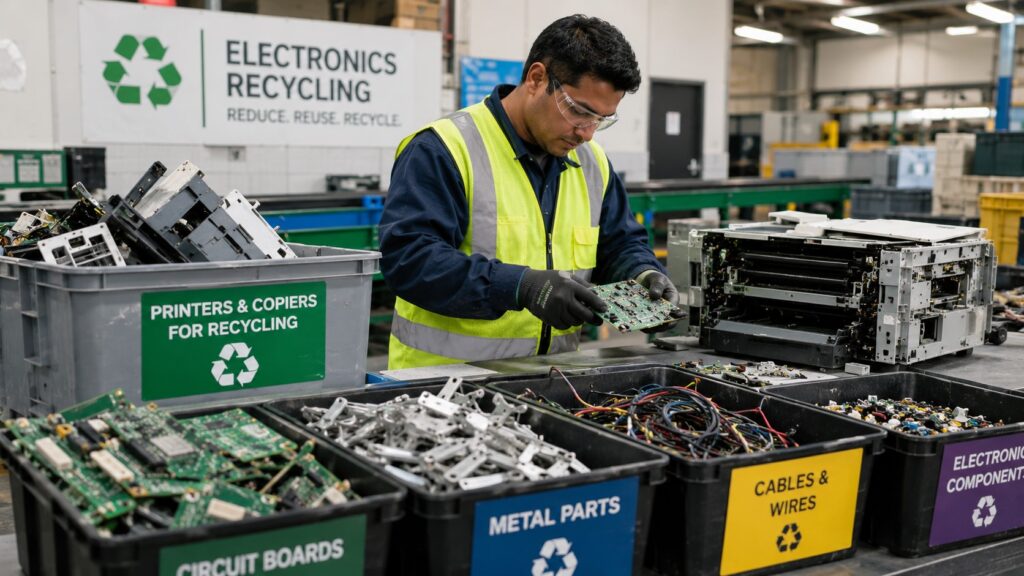
Once collected, printers typically go through:
- Sorting — separating plastics, metals, circuit boards, and toner components
- Data-bearing component handling — hard drives and memory chips are processed under secure handling procedures separate from general recycling
- Material recovery — copper, steel, and other recoverable materials are extracted for reuse
- Safe handling of hazardous components — toner residue and certain electronic parts are processed according to NEA-aligned procedures
This is the core idea behind e-waste recycling generally: rather than letting devices end up in landfill, valuable materials are recovered and hazardous components are managed safely, which is the whole point of treating e-waste as a resource stream rather than ordinary trash.
Cost of Bulk Printer Disposal in Singapore
Pricing varies depending on volume, printer type, and whether data wiping or onsite dismantling is included. As a general guide:
- Small office (1–5 units): Often free or low-cost, especially for standard inkjet/laser printers
- Mid-size bulk clearance (6–20 units): Usually quoted per pickup, factoring in vehicle and labor
- Large copiers/multifunction devices: May cost more due to size and component complexity
Many providers, including Karung Guni Singapore, offer free quotes based on your printer list — it’s worth getting an exact figure rather than guessing, since multifunction copiers are priced differently from small desktop printers.
Common Mistakes Offices Make When Disposing of Printers
- Throwing printers out with general office trash. This is not compliant disposal and skips proper e-waste handling entirely.
- Skipping the data wipe. Even old printers can hold scan history and credentials — don’t assume an old machine has “nothing important” on it.
- Using an unlicensed scrap collector. Without documentation, you have no record of how the equipment was actually processed.
- Disposing of units one at a time. This wastes time and often costs more than scheduling a single bulk pickup.
- Not checking lease agreements first. Some leased printers need to be returned to the leasing company rather than disposed of — always confirm ownership before collection.
Why Choose Karung Guni Singapore for Office E-Waste Disposal
Karung Guni Singapore specializes in clearing office electronics in bulk, not just one stray printer at a time. For businesses handling a full office clear-out, lease-end equipment swap, or IT hardware refresh, the service is built around:
- Bulk pickup for multiple printers, copiers, and office electronics in a single visit
- Flexible scheduling that works around office hours
- Responsible recycling and material recovery practices
- Documentation you can keep for internal records
Instead of coordinating multiple collectors or making several trips, offices can schedule one pickup and have the entire printer inventory cleared at once.
Frequently Asked Questions
Is printer disposal free in Singapore? Disposal of a small number of standard printers is often free or low-cost through licensed collectors. Larger multifunction copiers or bulk office clearances may involve a quoted fee based on volume and equipment type.
Do I need to wipe printer data before disposal? Yes. Office printers and copiers can store scan history, fax logs, and network credentials. Factory-resetting the device and removing accessible memory components before pickup is strongly recommended.
How long does a bulk pickup take? For most offices clearing 5–15 units, collection typically takes one to two hours, depending on building access and loading conditions.
Can I dispose of leased printers this way? Only if the printer is fully owned by your company. Leased equipment usually needs to be returned to the leasing provider — check your contract terms first.
What happens to the printers after they’re collected? They’re sorted, and recoverable materials like metals and plastics are extracted for recycling. Components with stored data are handled separately under secure procedures.
Conclusion: Schedule Your Bulk Printer Disposal Today
Old printers sitting in storage aren’t just clutter — they’re a data risk and a compliance question waiting to surface. The fix is simple: audit what you have, wipe the data, and book a single bulk pickup with a licensed provider instead of letting the problem grow.
If your office in Singapore has printers, copiers, or other electronics ready to clear out, Karung Guni Singapore can schedule a bulk pickup and handle the rest — from collection to responsible recycling. Visit karung-guni.com to request a quote and book your collection date.
No Comments