


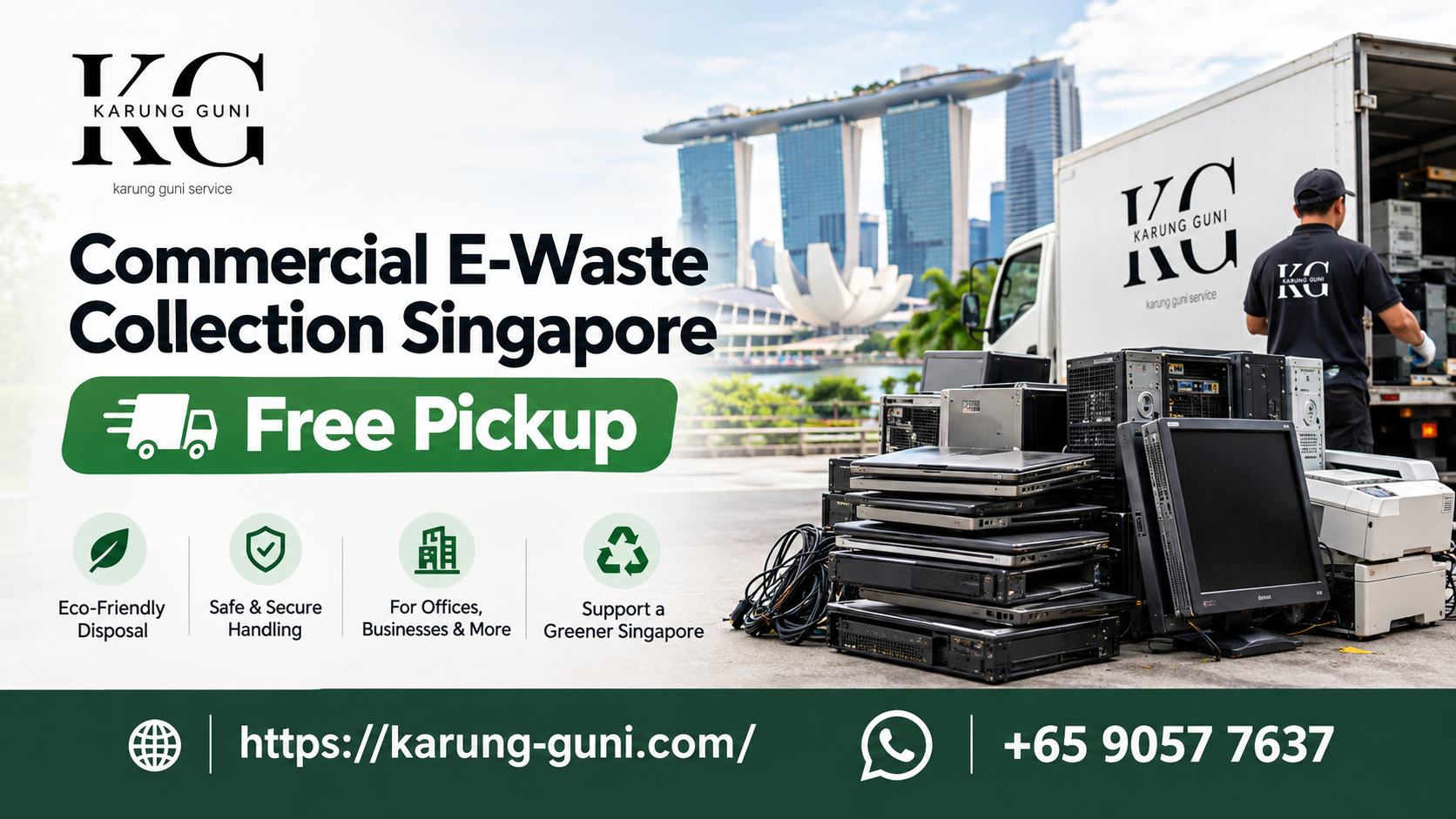
08 Oct Commercial E-Waste Collection in Singapore: How to Get Rid of Office Electronics the Right Way
Your office is moving, or the IT team just finished a laptop refresh. Now there are 40 old computers, a stack of monitors and a dead server sitting in the storeroom. Nobody wants to deal with them, but they cannot stay there forever.
This guide explains how commercial e-waste collection works in Singapore, what the rules say, what to prepare, and the mistakes that cost businesses time and money. If you just want a quote, you can list your items here or WhatsApp us on +65 9057 7637.
What counts as commercial e-waste?
Commercial e-waste is any unwanted electrical or electronic equipment that comes from a business, school, clinic, hotel or other organisation instead of a home. Common examples:
- Desktop computers, laptops and monitors
- Servers, network switches, hard disks and power supplies
- Printers, copiers and scanners
- TVs, projectors and meeting room screens
- Air-cons, fridges, fans and other appliances
- Audio equipment such as amplifiers and hi-fi sets
- Cables, wiring, motors and generators
- Medical and diagnostic equipment
A lot of this stuff has value. Servers, laptops and anything with copper or other metals can be worth real money. Some items are worth very little but still need to be taken away properly. A good collector will tell you which is which.
What Singapore’s rules say
Singapore runs a regulated e-waste system through the National Environment Agency (NEA). It started on 1 July 2021 and is built on Extended Producer Responsibility, which means producers are responsible for collecting and treating their products when they reach the end of their life. NEA explains the system on its website.
Two points matter for a business owner:
- E-waste collected under the system has to go to licensed e-waste recyclers. It should not end up in the general bin or a random scrapyard.
- Producers of commercial and industrial equipment must take back their own end-of-life products from clients on request, for free. If you bought the equipment from a supplier, ask them first. It is a fair question, and it may save you a call. Keep in mind that this only covers regulated products and only the producer’s own brand, so it often does not cover a mixed pile of old gear from five different vendors.
That mixed pile is where most offices end up needing a collector.
When a collector makes more sense than the supplier
Take-back from the supplier works well when you have a clean batch of one brand. A collector is usually easier when:
- You have a mix of brands, ages and equipment types
- The supplier no longer exists or no longer sells that product
- You are clearing a whole office, warehouse or clinic in one go
- You have items that still have resale or scrap value and you want to be paid for them
- You need a pickup on a specific day, because the landlord gave you a move-out date
How collection works with us
We keep it simple.
- Tell us what you have. Fill in the sell form, or send a list and a few photos on WhatsApp. A rough count is enough. “30 desktops, 25 monitors, 2 servers, some cables” works fine.
- We send you a quote. We usually reply within 2 hours during business hours. The quote depends on the type, age, condition and quantity of your items.
- We book a time that suits you. Doorstep collection is free for homes, offices, hotels and schools.
- We collect and pay you on the spot for items that have value.
Our warehouse is at City Warehouse #04-1, 5 Kaki Bukit Road, Singapore 417839. You do not need to drive anything down. We come to you.
Furniture disposal is the one exception. It is handled with a fee, so mention it up front if your clear-out includes desks, chairs or shelves.
How to prepare before the collection day
A little prep makes the pickup faster and the quote more accurate. This is what works in practice.
1. Make a simple list. Item type, brand if you know it, and how many. You do not need a fancy spreadsheet. A phone note is fine.
2. Take photos. One wide shot of the pile and a few close-ups of the better items (servers, branded laptops, anything with a visible model number). Photos help us tell you early if something has resale value.
3. Sort by type. Put computers with computers, screens with screens, cables in a box. It cuts loading time a lot.
4. Check access. Is there a goods lift? Does the building need a loading bay booking or a lift protection setup? Many Singapore office buildings and industrial units have strict delivery slots, so tell your building management early.
5. Handle your data. This is the one people forget. See the next section.
Do not skip data security
Old computers, servers and hard disks hold more than you think: client lists, payroll files, emails, saved passwords. Under Singapore’s Personal Data Protection Act, organisations are expected to protect personal data they hold, and that does not stop the moment a device leaves your office.
Simple steps:
- Back up anything you still need before you do anything else.
- Wipe the drives yourself if your IT team can do it with proper erasure software. A normal “delete” or a quick format does not remove the data.
- If a drive is dead or you do not trust a wipe, remove it and keep it separate. Physical destruction is the safest route for sensitive drives.
- Sign out of cloud accounts and remove devices from your company management tools (such as your MDM or Microsoft and Google admin consoles).
- Ask the collector how they handle drives. If you need a specific process or paperwork, say so before booking, not after.
Common mistakes we see
- Putting e-waste in the general bin or the rubbish chute. It is not allowed to treat e-waste like normal rubbish, and the metals and chemicals inside should not go to landfill or incineration.
- Handing it to the first person who offers. Unlicensed collectors may strip the good parts and dump the rest. Ask what happens to the items after pickup.
- Forgetting about data. Wiping takes time. Do it before the collection date, not on the morning of it.
- Leaving swollen or damaged batteries inside devices. Lithium batteries that are puffed up or damaged are a fire risk. Tell the collector about them upfront so they are handled safely.
- Breaking screens or cutting cables “to help.” Please do not. Damaged items are harder to handle safely and can lose value.
- Not telling the collector about access problems. A third-floor storeroom with no lift changes the manpower needed. Tell us before the day.
- Waiting too long. Old equipment takes up space, and offices tend to forget about it until a move-out deadline. Booking a week or two ahead is much less stressful.
Real-world examples of what clears out well
These are the kinds of jobs that come up often. They are typical situations, not client case studies.
- Office relocation: 50 desktops, 50 monitors, a few printers and a pile of network cables. Sort by type, send photos, and book collection for a weekday before the building handover.
- IT refresh: 30 laptops with chargers. Newer models can have resale value, so list the brand and year. Wipe them first.
- Server room clear-out: servers, switches, hard disks and power supplies. These often have the best value, but the data drives need careful handling. Tell us in advance.
- Clinic or small hospital upgrade: older diagnostic or patient monitoring equipment. Say clearly what it is and whether it has been cleaned. Some items need extra care.
- School clearing out a computer lab: lots of similar items in one location. Counting and grouping them makes the quote fast.
What to ask any e-waste collector before you book
Use this short list, whether you choose us or someone else.
- Where do the items go after collection, and are they sent to licensed recyclers?
- Do you pay for items with value, and how is the price decided?
- How do you handle hard drives and data-bearing devices?
- Is there a fee for any items? Which ones?
- Can you collect on the date my building allows?
- Can you give me a written record of what was collected, if my company needs one?
A collector who answers these clearly and quickly is usually a good sign.
FAQ
Is commercial e-waste collection free in Singapore? It depends on what you have. Items with resale or scrap value can earn you money, and free doorstep collection applies for homes, offices, hotels and schools on our service. Some things, like furniture disposal, come with a fee. We will tell you in the quote.
Can you collect from an industrial unit or a warehouse? Yes, we collect from offices, warehouses, schools, hotels and other commercial sites. Mention any loading bay or lift rules when you contact us.
Do I need to wipe my computers first? Yes, you should. Back up what you need, then wipe or remove the drives. If you are unsure, ask your IT team or tell us what you have and we will tell you what to expect.
What if I only have a few items? Small batches are fine. A few laptops or a single server can still be collected, though larger batches make a trip more worthwhile for everyone.
How fast can I get a quote? Send your list and photos on WhatsApp or through the sell form. We typically respond within 2 hours during business hours.
Ready to clear out your old equipment?
Send us a quick list and a few photos, and we will tell you what it is worth and when we can come.
- WhatsApp: +65 9057 7637
- Sell form: List your items
- Questions first? Get in touch or read about us
- Warehouse address: City Warehouse #04-1, 5 Kaki Bukit Road, Singapore 417839
You can also browse more tips on the Karung Guni blog.
No Comments