


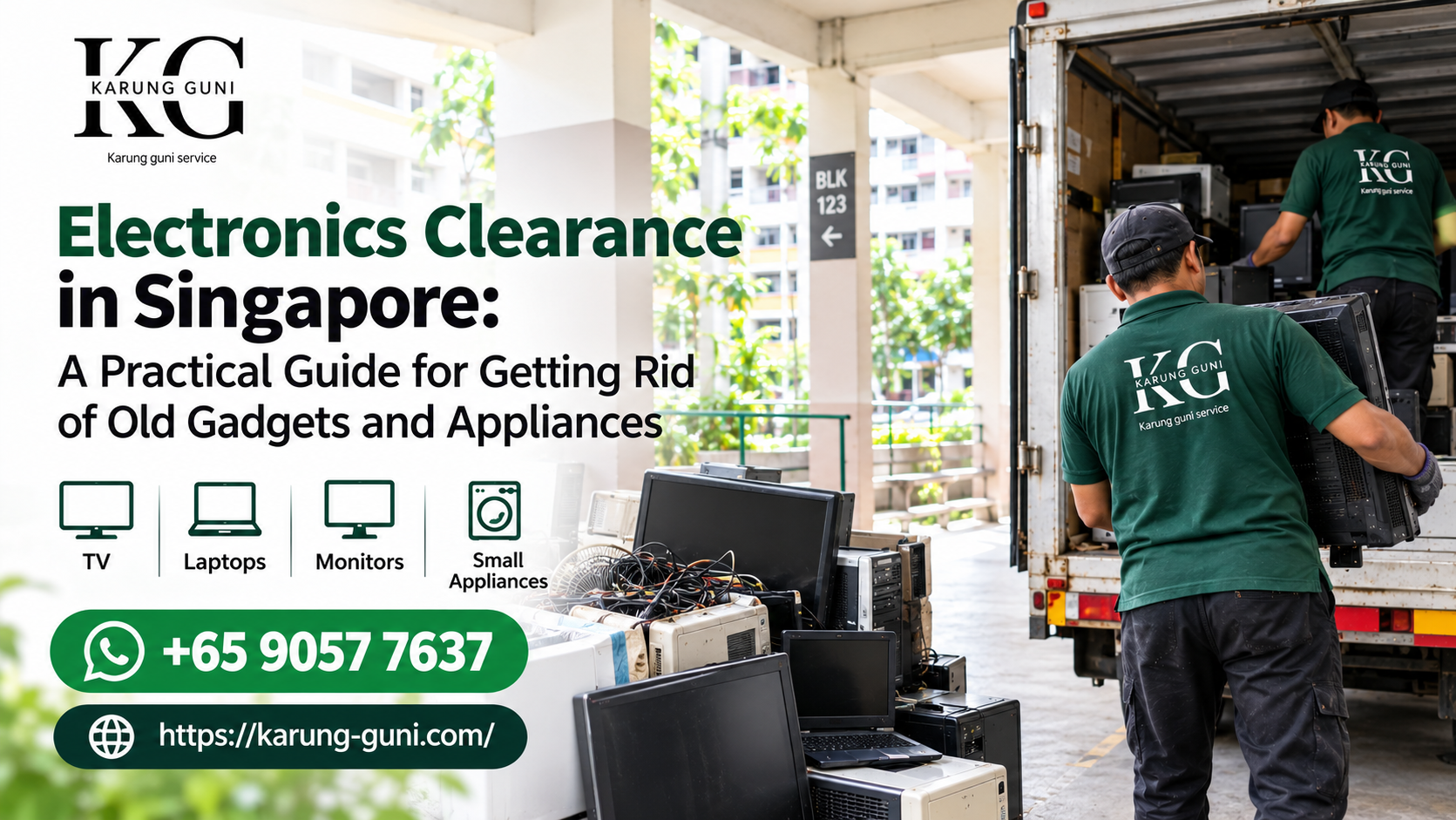
22 Sep Electronics Clearance in Singapore: A Practical Guide for Getting Rid of Old Gadgets and Appliances
If you’ve got a cupboard full of dead laptops, a TV that’s been “temporarily” sitting in the corner since your last renovation, or a drawer of tangled chargers you’ll never use again, you’re not alone. Most homes and offices in Singapore end up with a pile of electronics nobody wants but nobody knows how to properly get rid of either.
The good news is that clearing electronics in Singapore has gotten a lot easier over the past few years, partly because of NEA’s e-waste rules and partly because services like karung guni collection have adapted to handle bigger and more varied loads than the old “any old newspaper” days. This guide walks through what actually counts as electronics clearance, how to do it properly, what mistakes to avoid, and when it makes more sense to call someone rather than deal with it yourself.
What Counts as “Electronics” for Clearance Purposes
People often think electronics clearance just means laptops and phones. In practice, it covers a lot more ground:
Computing and IT gear — desktops, laptops, monitors, keyboards, mice, hard drives, servers, network switches, routers, and power supply units. This is especially relevant for offices doing a refresh or a company shutting down operations.
Home appliances — TVs (including old CRT sets that are a pain to move), fridges, washing machines, air conditioners, microwaves, and fans.
Audio and entertainment equipment — amplifiers, speakers, sound systems, DVD/VCD players, and gaming consoles.
Small electronics and accessories — chargers, cables, remote controls, old phones, tablets, and printers.
Industrial and commercial electronics — this is where a lot of clearance requests get overlooked. Things like induction motors, generators, diagnostic devices, and surgical or hospital equipment fall under electronics clearance too, and they usually need more careful handling than a home TV.
If you’re not sure whether something “counts,” a decent rule of thumb: if it has a plug, a battery, or a circuit board, treat it as e-waste rather than general trash.
Why You Shouldn’t Just Throw Electronics in the Regular Bin
This is worth saying plainly because a lot of people still do it. Electronics contain materials like lead, mercury, and lithium that can leach into soil and water when dumped in landfills. Singapore’s Extended Producer Responsibility (EPR) framework, which NEA rolled out to formalize e-waste management, exists specifically because of this. Under EPR, producers and retailers of certain regulated electrical and electronic equipment are required to support proper collection and recycling, and the country has built out a network of e-waste bins (the ones you’ll spot in malls and community centres) for smaller items like batteries, cables, and used lamps.
For bigger stuff, dropping it into an e-waste bin isn’t realistic anyway, since those are designed for small items you can carry by hand. That’s really where doorstep collection services come in.
The Real Problem: Data on Your Devices
Before anything else, if you’re clearing a laptop, desktop, phone, or even an old router, wipe your data first. This gets skipped more often than you’d think, especially with office IT clearances where dozens of machines go out the door at once.
A few practical tips here:
Factory reset isn’t always enough on its own for hard drives with sensitive data. If you’re clearing a business laptop that had financial records or client information on it, consider a proper wipe tool or physically removing the drive if you’re not confident the reset actually cleared everything.
Don’t forget less obvious devices. Old routers, smart home hubs, and even some printers store configuration data or saved network credentials. It’s a small thing but worth thirty seconds of your time.
If you genuinely can’t wipe a device yourself (a cracked phone screen, a drive that won’t boot), a reputable collection service should be able to tell you how they handle data destruction for devices they take in, especially for IT hardware.
DIY Options vs. Calling a Collection Service
There are a few routes people take, and which one makes sense really depends on volume and what kind of electronics you’re clearing.
Small quantities (a phone, a couple of chargers, an old speaker): the public e-waste bins found in malls, community centres, and some MRT stations work fine here. Free, no appointment needed, done in five minutes.
Larger appliances (fridge, washing machine, old TV): these need dedicated pickup. Trying to haul a fridge down from a fourth-floor walk-up isn’t something most people want to attempt, and many town councils have limits on what they’ll take through bulky item collection.
Office or bulk IT clearance: this is where things get more involved. You’re often dealing with dozens of units, mixed conditions (some working, some dead), and sometimes sensitive data. A collection service that’s used to handling IT hardware, not just household items, saves a lot of back-and-forth.
Mixed loads (a bit of everything — old furniture, appliances, some scrap metal, electronics): rather than sorting through multiple disposal channels, a single doorstep collection that handles e-waste alongside furniture and scrap metal is usually the least stressful option, especially if you’re clearing out a whole flat or office at once.
Common Mistakes People Make
Assuming everything has resale value. Some electronics genuinely have zero market value once they’re old or broken, particularly CRT TVs and outdated computer towers. That doesn’t mean they’re worthless to clear properly, it just means the “cash for junk” expectation doesn’t always apply. Be upfront about condition when requesting a quote so you’re not disappointed later.
Not separating batteries before collection. Loose lithium batteries are a fire risk if they’re mixed in with other scrap during transport. If you’re clearing a drawer of old batteries alongside bigger electronics, flag this separately.
Waiting until moving day. Electronics clearance almost always takes longer to sort than people expect, especially if you’re trying to figure out what still works, what needs wiping, and what’s actually recyclable versus junk. Doing it a week or two before a move, rather than the day of, avoids a lot of last-minute stress.
Ignoring commercial-grade or medical equipment rules. If you’re a clinic, lab, or workshop clearing diagnostic devices, surgical instruments, or industrial motors, these sometimes need different handling than consumer electronics. Ask the collection service directly whether they’re equipped for this category before assuming it’s the same process as clearing a home office.
How Doorstep Collection Actually Works
For anyone who hasn’t used a service like this before, the process is usually straightforward:
You describe what you have and, ideally, send a few photos. Condition matters here. A working laptop and a laptop with a cracked screen and dead battery are treated very differently.
You get a quote back. For items with real scrap or resale value (copper wiring, working IT hardware, appliances in decent shape), you might get paid. For items that are pure e-waste with no resale value, clearance is usually still free, sometimes with a small fee depending on volume and access (for example, if it’s on a high floor with no lift).
Once you agree, collection is scheduled at your convenience, and someone comes to you rather than you having to transport anything.
This matters most for the awkward stuff, bulky appliances, multiple boxes of IT hardware, or industrial items that just aren’t practical to move yourself.
When It’s Worth Getting Multiple Items Cleared at Once
If you’ve got electronics sitting around, there’s a good chance you’ve also got furniture, scrap metal, or textiles that need clearing too. Bundling these into a single collection request is usually more efficient than arranging separate pickups, and it means you only need to coordinate one appointment instead of juggling different services for different categories of junk.
Final Thoughts
Electronics clearance in Singapore doesn’t have to be complicated, but it does need a bit of planning, mainly around data wiping, separating hazardous items like batteries, and being realistic about what has resale value versus what’s just responsible disposal. Whether you’re clearing a single old TV or doing a full office IT refresh, the main thing is making sure the electronics actually go somewhere responsible rather than sitting in a storeroom or ending up in general waste.
If you’d rather skip the sorting and hauling altogether, Karung Guni Singapore offers free doorstep collection for electronics, appliances, IT hardware, and more. You can get a quote by describing what you have or reach out directly on WhatsApp for a quick chat about what you’re clearing.
Karung Guni Singapore City Warehouse #04-1, 5 Kaki Bukit Road, Singapore 417839 WhatsApp: +65 9057 7637
No Comments